


Outilix is a math toolbox app for Android that gathers 34 everyday tools, from a fraction calculator with steps to an equation solver, in one place on the phone. Every tool runs offline, because the calculation engines live inside the app.
For a student working through a Mathovore worksheet, it is a quick way to check a result and see the steps behind it. For parents, it also handles real-life numbers such as a sale price, a tip or a paycheck.

Get Outilix


At a glance
- Platform: Android (iPhone version in preparation)
- Tools: 34 in 9 categories
- Math: fractions and equations with steps, percent change, scientific calculator
- Works offline: yes
- Account: none needed
- Languages: English and French
The problem: checking homework takes too long
A Grade 7 (5ème) student finishes a page of fraction problems at 9 p.m. The parent wants to help but has not added fractions with unlike denominators in twenty years. Searching the web for each answer is slow, and many websites give a result without showing how it was found.
Outilix solves this with tools that show their work. The student types the problem, reads the steps, and compares them with the method from class. The goal is not to skip the thinking, but to find where a mistake crept in.
What the math toolbox app includes
- A fraction tool that adds, multiplies and simplifies, with each step shown
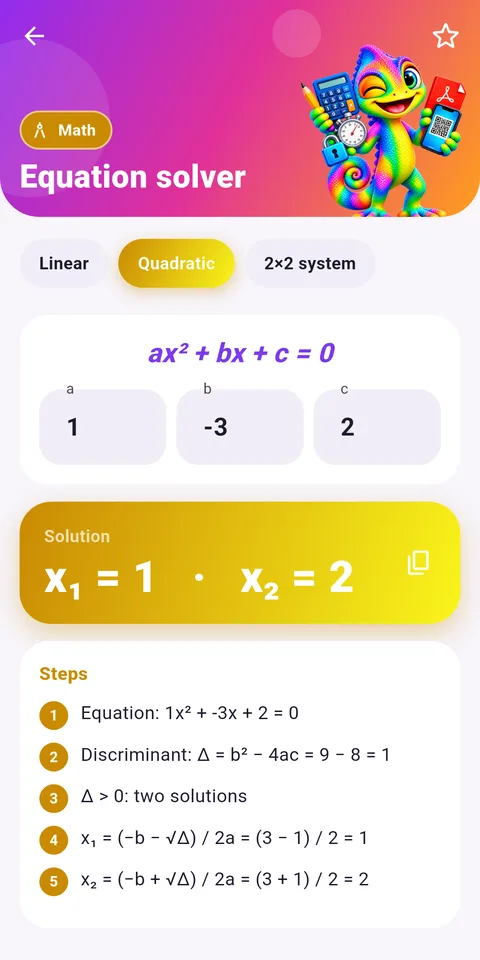
- An equation solver for linear equations, quadratic equations and systems, also with steps
- A percent change tool for an increase or a decrease between two values
- A scientific calculator with sine, roots, powers and factorials
- A unit converter for length, mass, volume and speed, plus a temperature converter for Celsius, Fahrenheit and Kelvin
- A proportion tool (rule of three) and a percent tool (X % of Y)
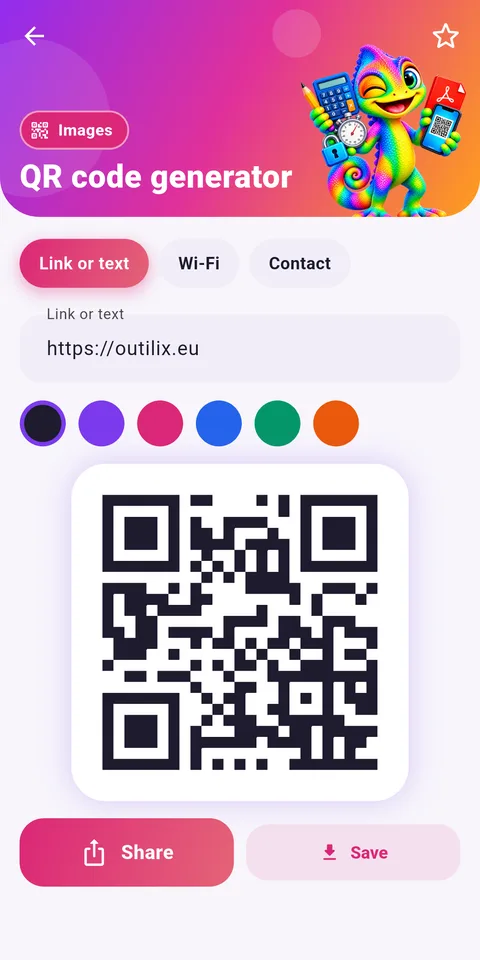
- Everyday helpers: days between two dates, stopwatch and timer, word counter, QR code reader, document scanner to PDF
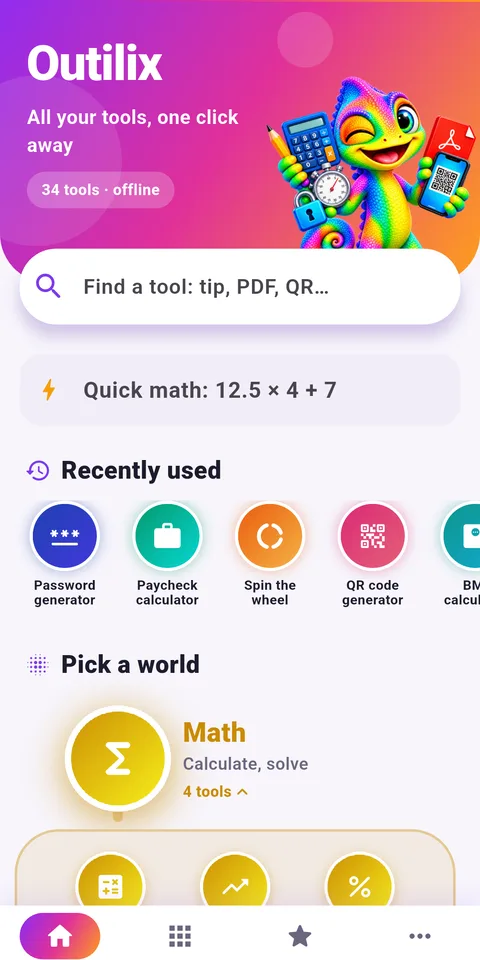
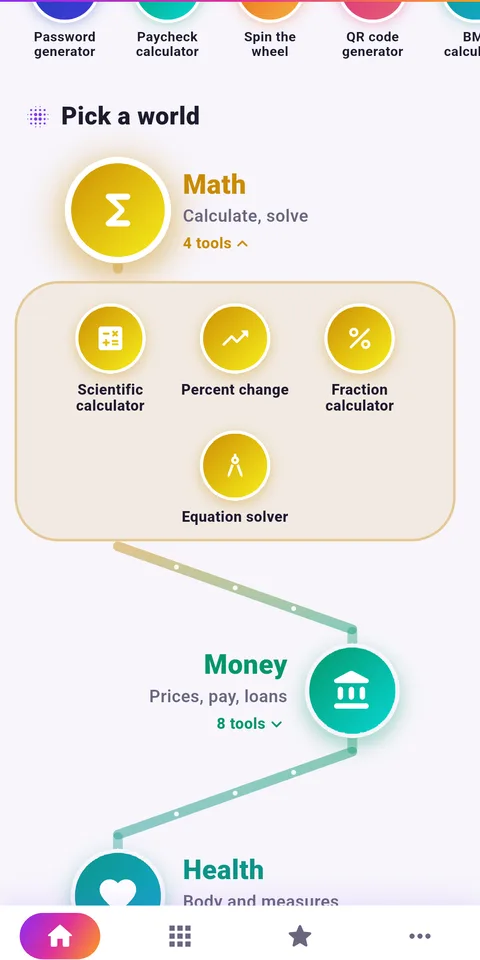
The 34 tools are sorted into 9 colored categories, and a search bar on the home screen finds any of them in a second.
Who will use it at home
Students from Grade 6 (6ème) to Algebra 1 (3ème) will reach most often for the fraction and equation tools. A student who studies linear equations in Grade 8 (4ème) can enter an equation, see each balancing step, and then solve the next problem alone.
Older students in Algebra 2 can check a quadratic equation or a system of two equations. Parents will like the practical side: discounts during sales, splitting a restaurant bill, or converting a recipe from cups to milliliters. In the English version, the paycheck tool follows US rules, with federal tax, Social Security and Medicare, and take-home pay.
Getting started in five steps
- Install Outilix from Google Play on an Android phone.
- Open the home screen and type a word such as fraction or equation in the search bar.
- Enter the numbers from your worksheet problem and read the steps.
- Tap the star to add the tools you use most to your favorites.
- Use the Tools tab to browse the categories when you need something new.
No account is needed and there is nothing to sign in to. The interface follows the language of the phone, in English or French.
How it connects with Mathovore
Outilix is a checking tool, not a lesson. When the steps on screen do not make sense, go back to the course. The Grade 6 math and Grade 7 math pages explain fractions and percents, and the Algebra 1 math section covers equations in detail. A good habit is to solve the problem on paper first, then open Outilix only to confirm the answer.
The app is available on Android today, and an iPhone version is in preparation.
Frequently asked questions
What is Outilix?
Outilix is an Android app with 34 everyday tools sorted into 9 categories, including math, money, dates, PDF, images, text and passwords. The math tools solve fractions and equations with steps, and every tool works offline on the phone.
Can Outilix show the steps to solve an equation?
Yes. The equation tool solves linear equations, quadratic equations and systems of equations and displays the steps. The fraction tool does the same when it adds, multiplies or simplifies fractions, which helps students compare with their own method.
Does Outilix need an internet connection?
No. The calculation engines are built into the app, so the tools work offline. There is no account to create and no sign-in, which makes it easy to use at home, at school or on the bus.
Is Outilix available on iPhone?
Outilix is currently an Android app on Google Play. An iPhone version is in preparation. The interface is in English and French and switches automatically with the language set on the phone.