

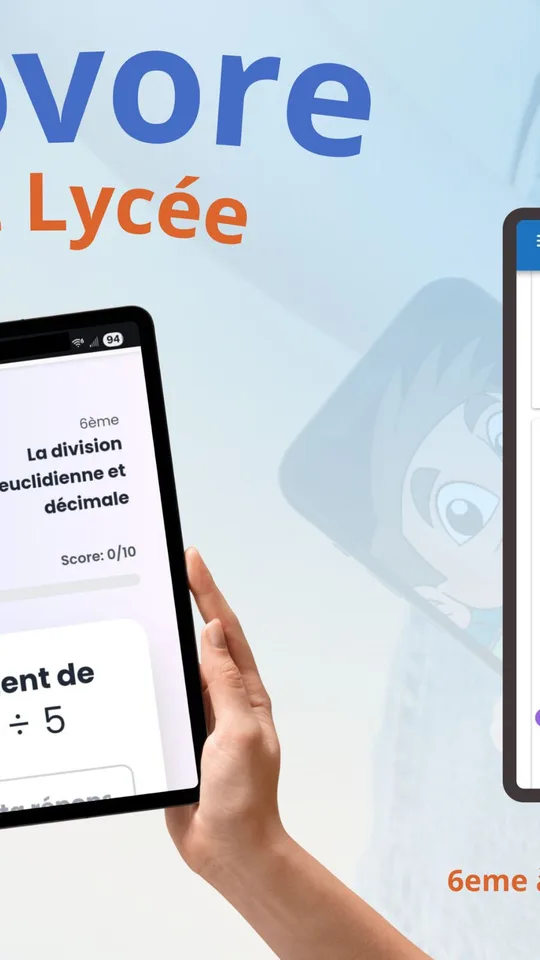
Mathovore is a math quiz app for Android, iPhone and iPad. It gives students from Grade 4 (CM1) to Grade 12 (Terminale) multiple-choice questions, organized chapter by chapter, with a full explanation after every answer.
It was built by the team behind the Mathovore website, which has taught math online for more than 18 years. A quiz takes a few minutes, so it fits between homework and dinner.

Get Mathovore


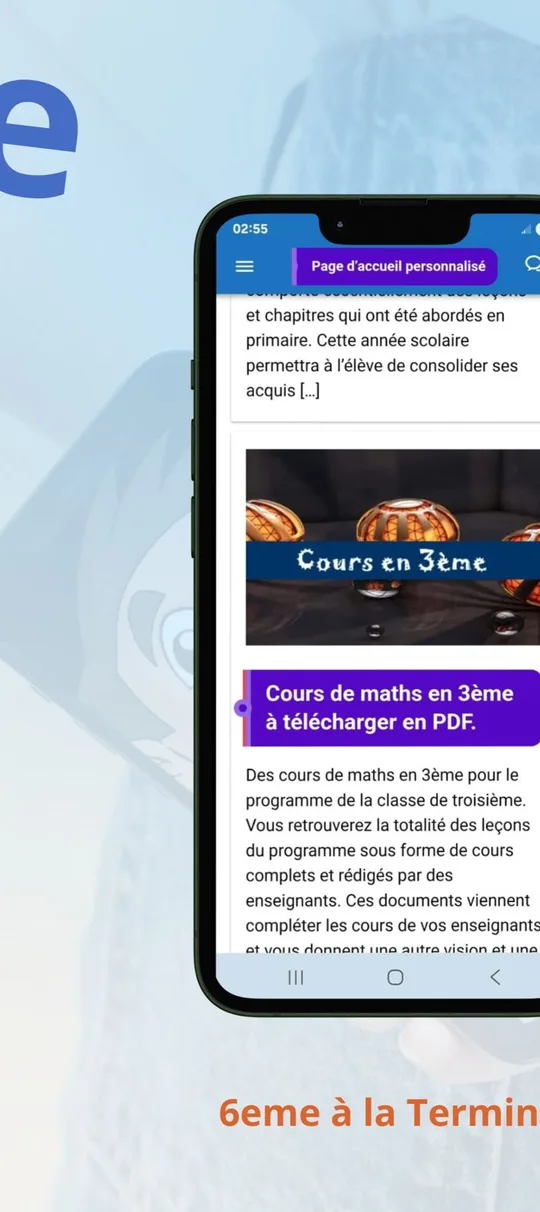

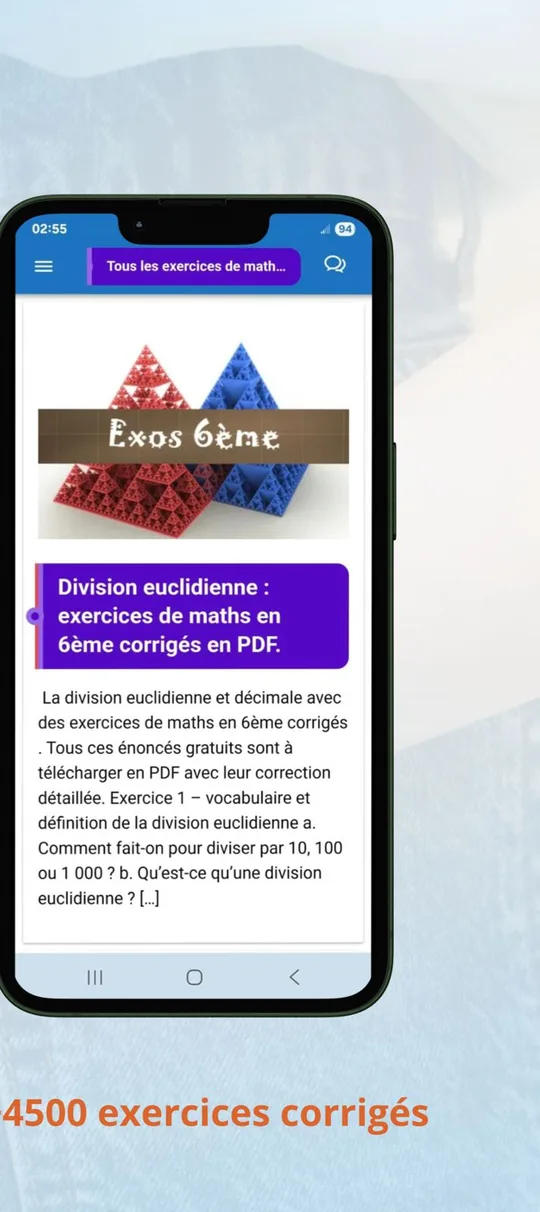
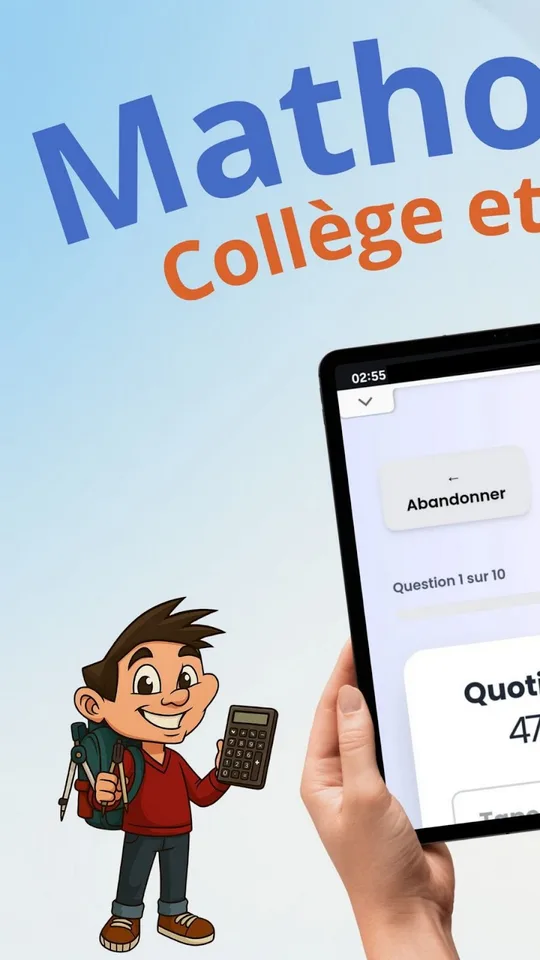
At a glance
- Platforms: Android, iPhone and iPad
- Levels: Grade 4 (CM1) to Grade 12 (Terminale)
- Questions: more than 1,500, all corrected
- Format: multiple-choice quizzes by chapter
- Publisher: the Mathovore team
Why short quizzes help before a test
Many students read a lesson, feel confident, and still lose points on test day. The gap is usually practice: reading a solution is not the same as choosing an answer under a little pressure. A quiz closes that gap quickly.
Parents often ask for something that takes ten minutes and shows clearly what their child knows. A multiple-choice quiz does that. The score tells you at once whether a chapter is solid or needs another pass, and the explanation shows why a wrong choice was wrong.
What the math quiz app includes
- More than 1,500 questions, each one with a correction
- Primary school, middle school and high school levels in one place
- A detailed explanation after each answer, not just a green or red mark
- Formulas displayed clearly, so fractions and exponents stay readable on a small screen
- Sounds, a live score and confetti to keep younger students motivated
Each series ends with a score and a correction, which makes the result easy to compare from one attempt to the next. A student who scored low on Monday can repeat the same chapter on Wednesday and see the number rise, and that small win is often what keeps a reluctant learner going.
The questions follow the French curriculum, so chapter names such as Pythagoras, fractions or functions will look familiar, while a few topics may be taught in a different order than in your school district.
Who it is for
Students in Grade 6 (6ème), Grade 7 (5ème) and Grade 8 (4ème) can use it to check a unit before the test. Students working on Algebra 1 (3ème), Geometry (Seconde) or later courses can use the higher levels to review. Families who want a quiet screen-time habit will like that each session is short and finishes with a score.
A note on language: the store description is written in French and does not mention an English interface, so expect French wording in the questions. Math symbols and numbers are universal, which helps, but a student who reads only English may need a parent nearby at first.
Getting started in four steps
- Install the app on your phone or tablet from the store.
- Pick a level, then a chapter that matches what is being taught in class.
- Answer the questions one by one and read the explanation after each answer.
- Check the final score, then repeat the chapter until the result feels comfortable.
How it fits with the Mathovore website
The quizzes are a good partner for the written material online. Read a lesson on the math lessons page, then test yourself in the app. You can also browse the online math quizzes on a computer, or look up unfamiliar terms in the math glossary.
Frequently asked questions
What is the Mathovore app?
Mathovore is a math quiz app for Android, iPhone and iPad. It offers more than 1,500 multiple-choice questions with corrections, from Grade 4 (CM1) to Grade 12 (Terminale), organized chapter by chapter, with explanations after each answer.
Which grades does the quiz app cover?
It covers primary school, middle school and high school, from CM1 (about Grade 4) to Terminale (about Grade 12). Questions follow the French curriculum, so some chapter order may differ from a US district.
Is the app in English?
The store description is written in French and does not mention an English interface. Plan on French wording in the questions, although numbers and math notation are the same in any language.
Does it explain wrong answers?
Yes. After each answer the app shows a detailed explanation, so a student sees the reasoning and not only a right or wrong mark. Formulas are displayed clearly, and a live score tracks progress during the quiz.
