

AICKO WORD is a free word processor for Windows 10 and 11 that opens and saves Word .docx files, exports to PDF and includes an equation editor. It runs fully offline, with no account and no ads.
Documents stay on your computer. The interface is in French or English, so a student can write a report, a letter or a solved set of problems without paying for an office suite.

Get AICKO WORD
At a glance
- Platform: Windows 10 and 11
- Price: free
- Files: .docx, .doc, .odt, RTF, text, PDF export
- Equation editor: yes
- Offline use: yes
- Account and ads: none
The problem this free word processor solves
Many families do not want to buy an office suite just for school reports, and online editors fail when the connection drops. A student also needs to type fractions and roots, which basic text editors handle badly. AICKO WORD is a complete writing program that runs on the computer, with nothing to sign up for.
What AICKO WORD includes
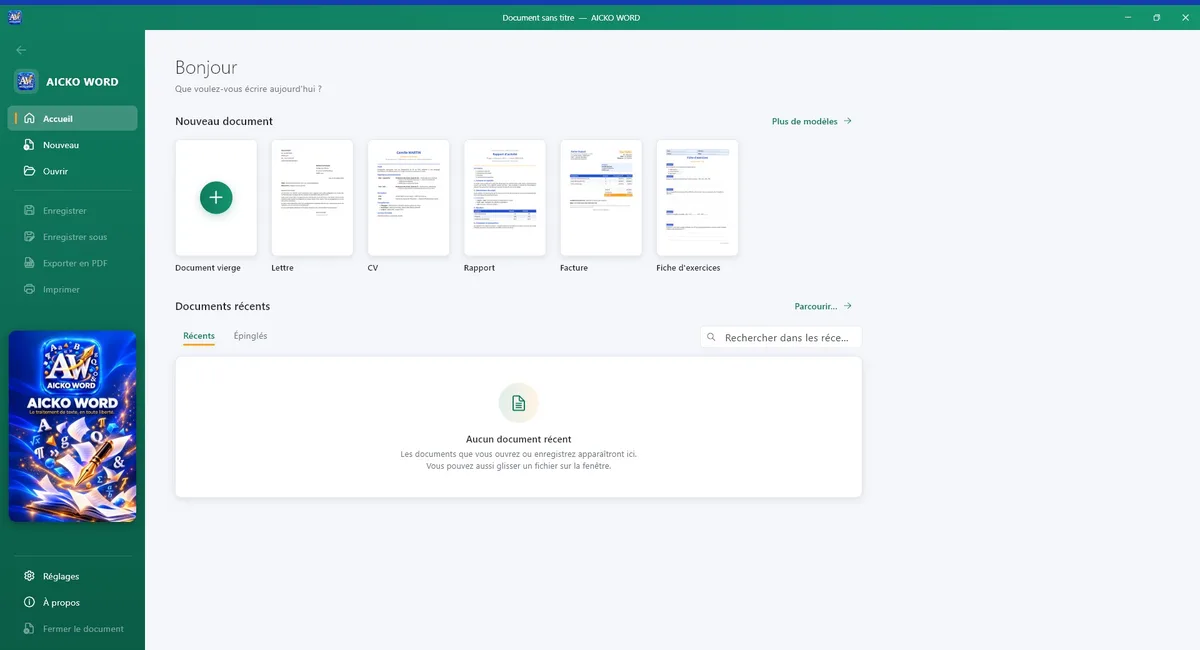
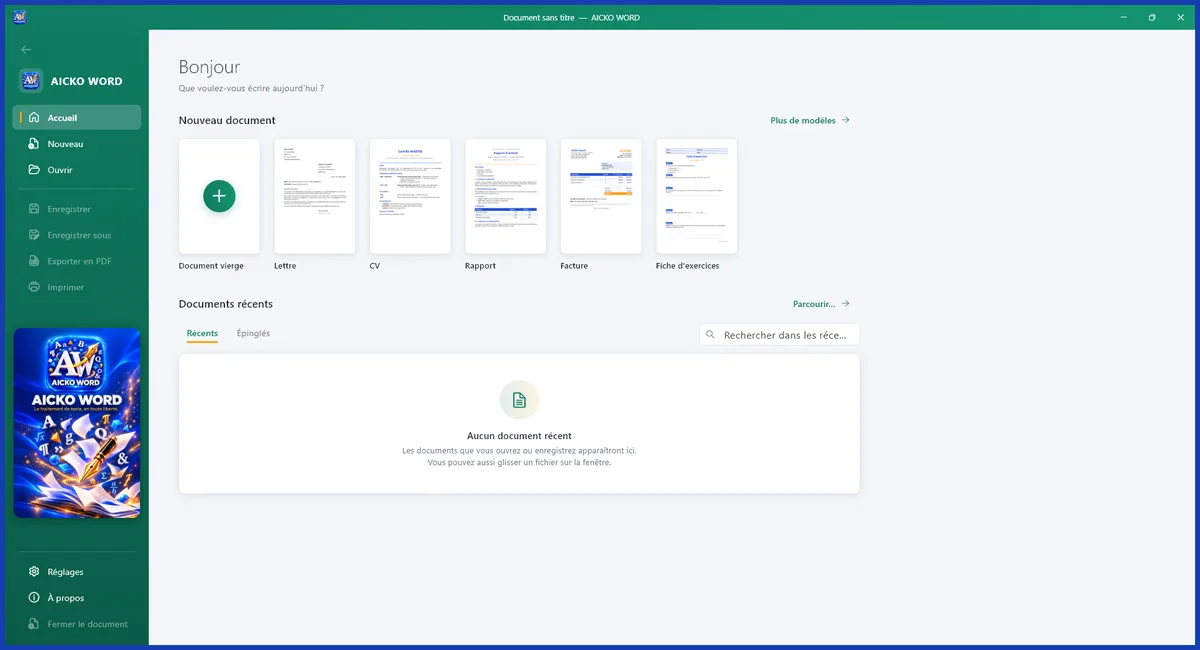
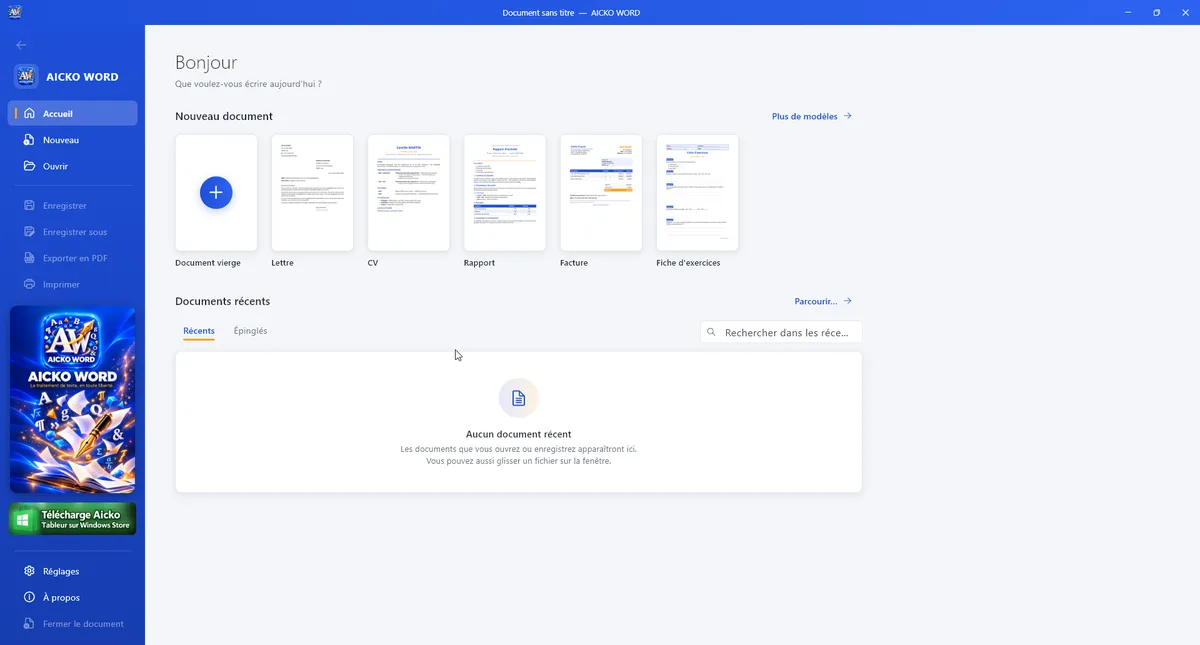
- A clear ribbon: Home, Insert, Page layout, Review and View.
- Fonts, sizes, colors, highlighting, heading styles, lists, alignment, indents, line spacing, borders and shading.
- Open and save Word files (.docx and .doc), OpenDocument (.odt), RTF and text. Open PDFs to edit them, and export to PDF.
- A built-in equation editor with fractions, roots, powers, integrals and matrices.
- Images, tables with merged cells, shapes, decorative text, symbols, links, page breaks, headers, footers and page numbers.
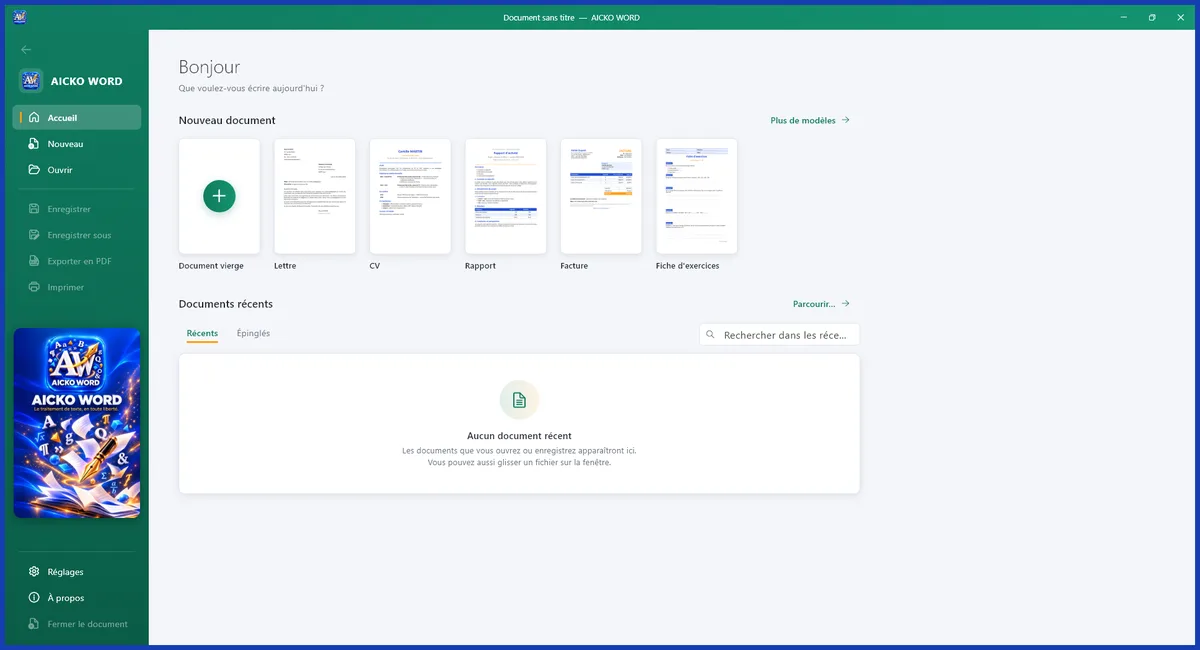
- Templates: letter, resume, report, invoice, worksheet, course notes and test.
- A spelling checker, find and replace, statistics, zoom, ruler and reading mode.
- Dark mode and seven interface colors, in French or English.
The default save format is .docx, which opens almost everywhere. There is no subscription, no account and no need for an internet connection.
Who it is for
- Students in Grade 6 to Grade 12 who write reports, essays and lab write-ups.
- Math students who must type equations in homework or a project.
- Teachers who prepare worksheets and tests from a template.
- Parents who want a reliable writing tool on the family PC.
One more advantage is the layout work. A student can set the page size to A4 or US Letter, add page numbers, a header with a name and a date, and print a clean copy for class. A teacher can reuse a worksheet template every week and only change the questions. The spelling checker catches typing slips before the file goes to a teacher, and the reading mode gives a quiet view for proofreading.
Getting started
- Download AICKO WORD for Windows 10 or 11 using the button on this page.
- Start the program and pick French or English in the settings.
- Open a template or a .docx file, or begin with a blank page.
- Type your text, then format it from the ribbon.
- Insert an equation where needed, then save as .docx or export to PDF.
The program can also open scanned or exported PDFs. You may choose an editable text mode or a faithful mode that keeps each page as an image.
Why a math site recommends it
Showing your work is part of every math grade, and typed solutions are easier to read than rushed handwriting. The equation editor lets a student type a quadratic formula or a fraction cleanly. Use it next to our Algebra 1 math pages or the geometry math pages, and look up unfamiliar words in the math glossary.
Frequently asked questions
Is there a free word processor for Windows that opens .docx files?
Yes. AICKO WORD is a free word processor for Windows 10 and 11. It opens and saves .docx and .doc files, plus .odt, RTF and text, and it exports to PDF. It works offline, with no account and no ads.
Can I write math equations in AICKO WORD?
Yes. The built-in equation editor supports fractions, roots, powers, integrals and matrices, so students and teachers can type math cleanly in a document without extra software.
Does AICKO WORD need internet or an account?
No. It needs neither. The program works fully offline, with no subscription and no ads, and your documents stay on your computer. Installation and writing both work without a connection.
Can AICKO WORD open PDF files?
Yes. You can open a PDF to edit it, either in an editable text mode or in a faithful mode that keeps the pages as images. You can also export any document to PDF.
