AICKO MAIL is an email app for students that runs on Android and brings several accounts into one inbox. It needs no AICKO account and shows no advertising.
Between teacher notes, school portals, tutoring sites and sign-up confirmations, a student in Grade 6 (6ème) through Grade 12 (Terminale) can easily miss the message that matters. This app is built to prevent that.
Get AICKO MAIL
At a glance
- Platform: Android (Google Play)
- iPhone version: in preparation
- Interface languages: English and French
- Accounts: Gmail, Outlook, Yahoo, iCloud, Orange, OVH, IMAP, POP, SMTP
- Advertising: none
- AICKO account: not required
The problem: important messages buried under noise
A typical school week brings a homework reminder, a club announcement, a parent-teacher note, and a dozen automatic messages. When all of it lands in one cluttered list, students either skip the whole thing or open everything in a panic the night before a quiz. Parents see the same mess on their side. AICKO MAIL separates people from automation, so the message from a teacher is visible at once.
What the app does
- Works with Gmail, Outlook, Yahoo, iCloud, Orange and OVH, plus any other IMAP, POP or SMTP mailbox; the technical settings are filled in automatically.
- Shows one combined inbox, or each account by itself.
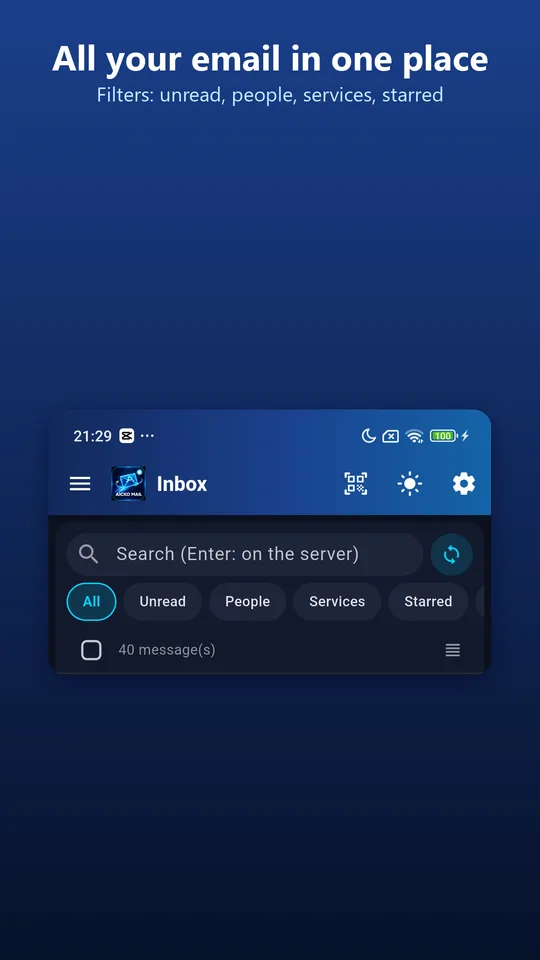
- Offers quick filters: unread, people, services, favorites and attachments.
- Keeps remote images blocked until you allow them, and counts the trackers it stopped.
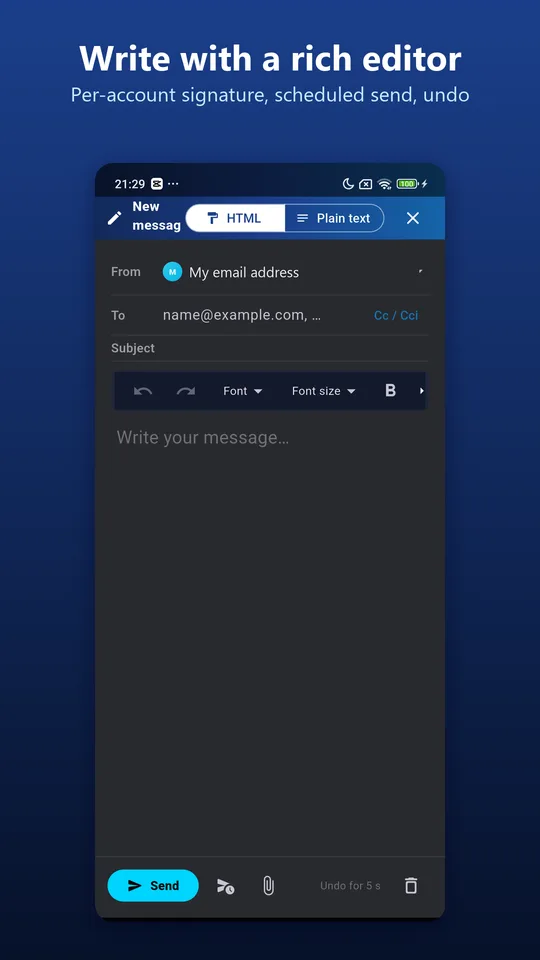
- Includes a rich editor with bold, colors, lists, links and a separate signature for each account.
- Lets you schedule a message, undo a send right after tapping, and warns about a forgotten attachment.
Who this email app for students suits
Middle and high school students who now own two or three email addresses, and parents who help them stay organized. It also suits students heading to college, who will soon handle admissions, scholarships and campus mail. Nothing in the setup requires technical knowledge, and each screen offers only a few clear choices.
Getting started
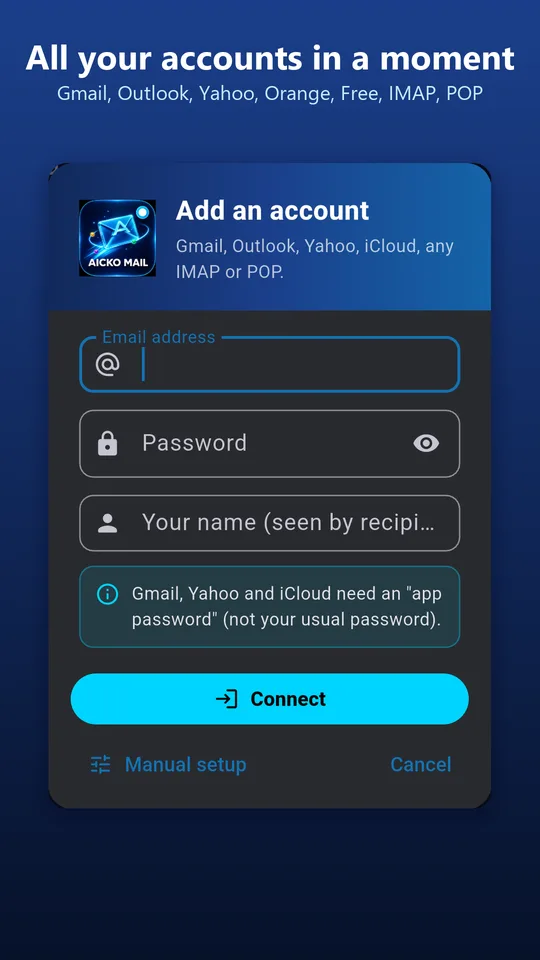
- Open Google Play on an Android phone and install AICKO MAIL.
- Press the add-account button, then enter the address you use for school.
- Enter your password. Gmail, Yahoo and iCloud ask for an app password, which you create in your provider’s security settings.
- Pick a short name and a color for the account.
- Repeat for your other addresses, then open the combined inbox.
How it connects to Mathovore
On Mathovore, students practice with pages such as Algebra 1 (3ème) and Geometry (Seconde). Daily practice only works if the plan survives the week, and the plan usually arrives by email: a quiz date, a worksheet from a teacher, a link to a study group. With the attachments filter, a worksheet is two taps away. With scheduled sending, a finished assignment goes out at the hour the teacher asked for.
Good to know
The interface is available in English and French, with a day mode and a night mode. Your passwords never leave the phone: they sit in the protected area of Android, and mail goes directly from your provider to the app. Notifications can be turned off at any time. An iPhone version is in preparation. A sister program for Windows, also called AICKO MAIL, picks up your accounts from a scanned QR code; the transfer stays local and encrypted.
Frequently asked questions
What is the best email app for students on Android?
AICKO MAIL is a good fit: it gathers school, family and personal addresses in one inbox, sorts messages with simple filters, shows no ads and needs no AICKO account. Settings for the main providers are detected automatically.
How can I check several email accounts in one app?
Add each address in AICKO MAIL. The combined inbox lists every message together, and each account keeps its own name and color, so you can tell at a glance whether a message came to your school address or a personal one.
Can I schedule an email to send tomorrow morning?
Yes. In the message editor, choose scheduled sending and set a date and time. The email leaves by itself at that moment. After a normal send, you also get a few seconds to cancel it with one tap.
Is AICKO MAIL available for iPhone?
Not yet. An iPhone version is in preparation. Today the app is available for Android through Google Play, and a separate Windows program called AICKO MAIL shares accounts with it through a QR code.