


AICKO IRIS is a free image viewer for Windows 10 and 11 that opens almost every picture format, including HEIC and AVIF. It is designed to work on any computer without a Microsoft extension.
It is separate from the editor AICKO PIXELIA, so it starts fast and stays simple. The interface is in French or English, with dark and light modes, and no account is required to use it.

Get AICKO IRIS

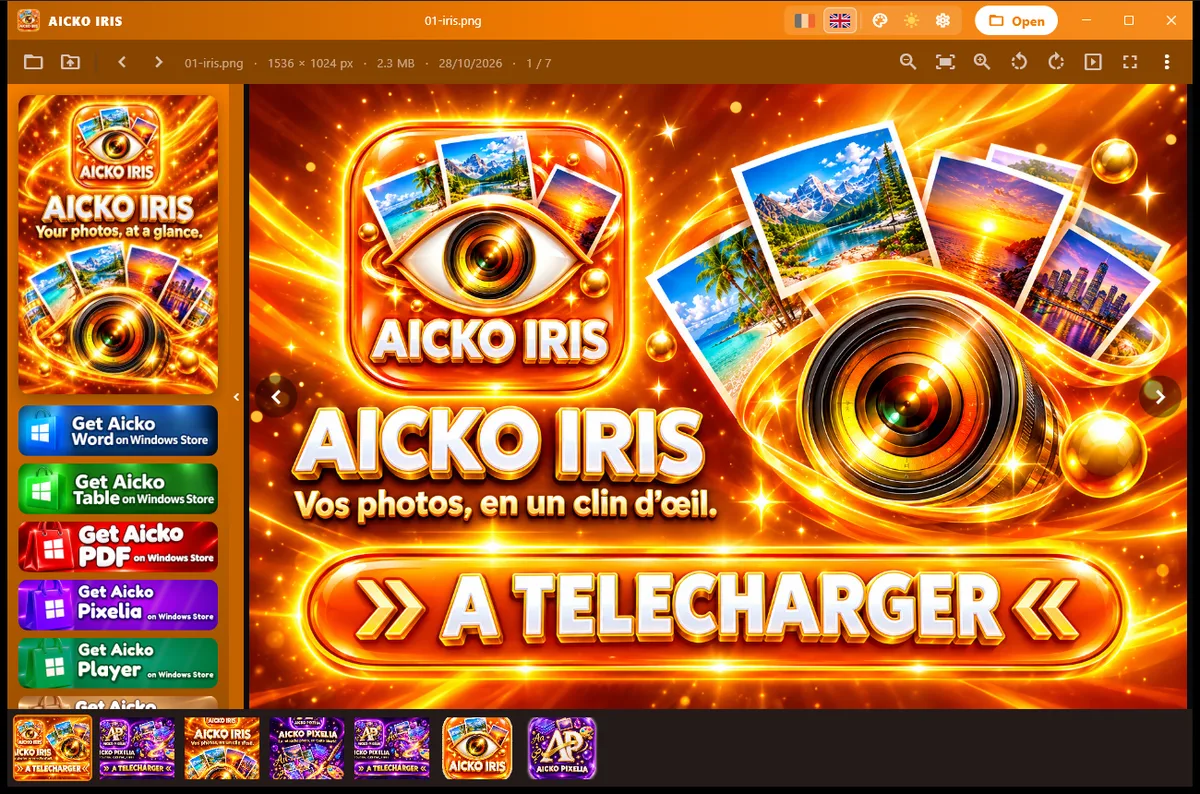

At a glance
- Platform: Windows 10 and 11
- Price: free
- Formats: common images, HEIC, AVIF, TIFF, JXR, RAW
- Extension needed: none for HEIC and AVIF
- Type: viewer, not an editor
- Interface: French or English
The problem this image viewer for Windows solves
A phone photo sent to a family computer sometimes will not open, because Windows lacks the codec for HEIC or AVIF images. The usual fix is to install an extension, or to convert each picture by hand. AICKO IRIS includes its own decoder, so those files simply open.
What AICKO IRIS offers
- Opens common formats, and also HEIC and AVIF images through its own decoder.
- Reads TIFF, JXR and RAW files through the decoders already present in Windows.
- A simple window focused on the picture.
- Dark and light modes and an orange accent that you can change in the settings.
- French or English interface.
The HEIC and AVIF decoder is built with open components and has no encoder inside, so the program only reads those files. Converted copies of unusual formats are cached in a temporary folder.
Who it is for
- Families who copy photos from an iPhone to a Windows PC.
- Students who receive images in a modern format and cannot open them.
- Teachers who want a quick viewer for class pictures and scans.
Why include a decoder instead of asking the user to install an extension? Because the extension route fails often: it needs a store, sometimes a payment, and an internet connection. A viewer that carries the decoder works on any computer, even one that is offline or managed by a school. The decoder is a small helper placed next to the program, and it only reads files.
For a school computer where you cannot install extensions, this is the easiest way to look at photos from a phone. Folders open quickly, and you can step through a whole set of pictures from a field trip or a science experiment without converting anything first.
Getting started
- Download AICKO IRIS for Windows 10 or 11 using the button on this page.
- Open the program, then open a picture or a folder.
- Move from one image to the next in the folder.
- Zoom in to check the detail.
- If you want to retouch a picture, open it in AICKO PIXELIA.
The viewer is not an editor. It has no layers or filters, which keeps it light and quick to open.
How it supports math study
Students often photograph a board, a graph or a page of notes. Those pictures can arrive in HEIC, and a viewer that opens them at once saves time. After checking the image, compare it with the explanations in our math lessons or the diagrams on our geometry math pages. The math glossary helps you name each figure you see in the photo.
Frequently asked questions
How can I open HEIC photos on Windows?
Use an image viewer that includes its own decoder, such as AICKO IRIS. It is free for Windows 10 and 11 and opens HEIC and AVIF files without a Microsoft extension, as well as common picture formats.
Which image formats does AICKO IRIS open?
It opens common formats and HEIC and AVIF files through its own decoder. TIFF, JXR and RAW files are read through the Windows decoders, so what opens depends partly on your system.
Can I edit pictures in AICKO IRIS?
No. AICKO IRIS is a viewer only. For layers, filters, cropping and text, use the separate editor AICKO PIXELIA, which is built to work well alongside it.
Is AICKO IRIS available in English?
Yes. The interface is available in French or English, and you can switch in the settings. You can also choose between dark and light modes and change the accent color.
