


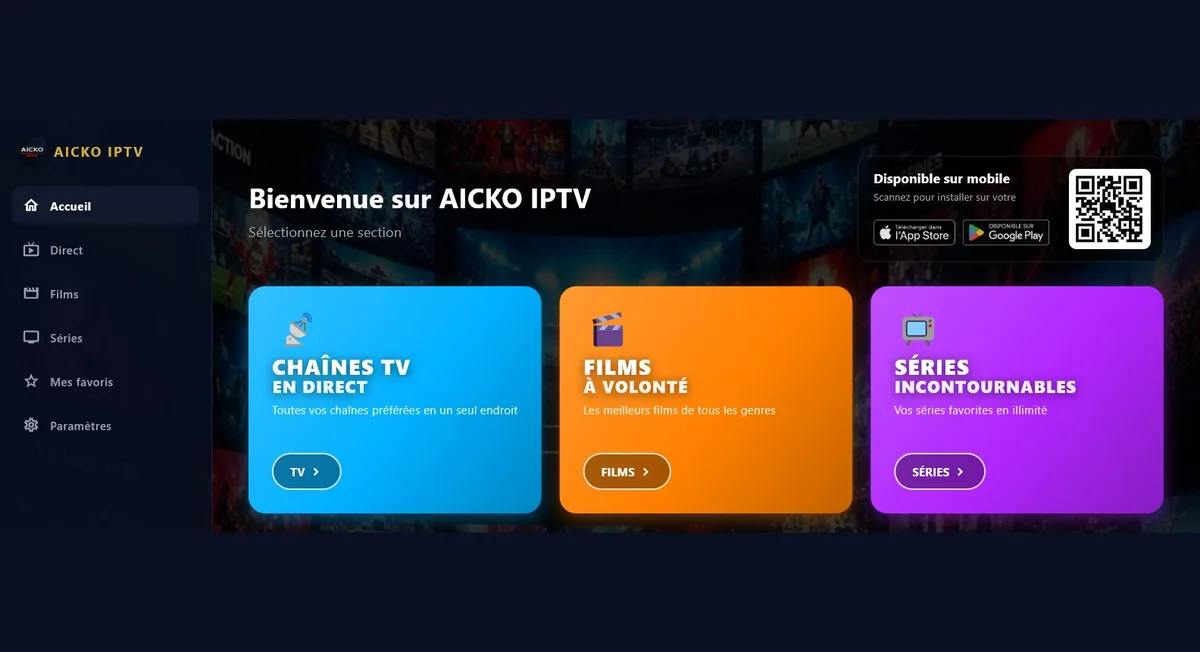
AICKO IPTV is a free IPTV player for Windows 10 and 11. You add your own Xtream Codes or M3U playlist, and the program plays live television with a program guide, films, series and online radio.
It is only a player: it does not host, provide or sell any content. The playlist comes from your own provider. The interface is available in six languages, including Arabic displayed right to left.

Get AICKO IPTV
At a glance
- Platform: Windows 10 and 11
- Price: free
- Playlist formats: Xtream Codes and M3U
- Features: live TV with guide, films, series, radio
- Content provided: none, you bring your own playlist
- Languages: six
The problem this IPTV player for Windows solves
People who already have a playlist from their provider often use a clumsy web page or a media player that does not handle channel lists well. AICKO IPTV does the job properly, because it organizes channels, films and series in categories and remembers what you watched.
What AICKO IPTV does
- Reads Xtream Codes and M3U playlists that you supply.
- Live television with a program guide (EPG) and access to replay.
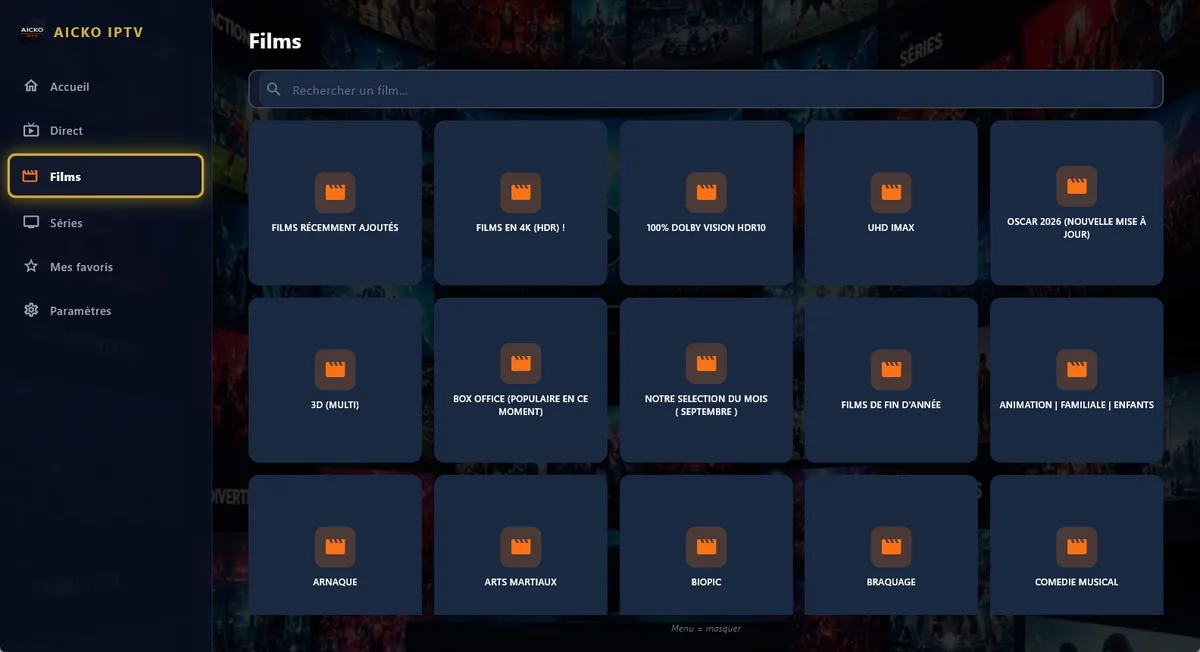
- Films and series by category, with playback that resumes exactly where you stopped.
- Radio and audio: it also plays streams without a picture, including MP3 files and online radio.
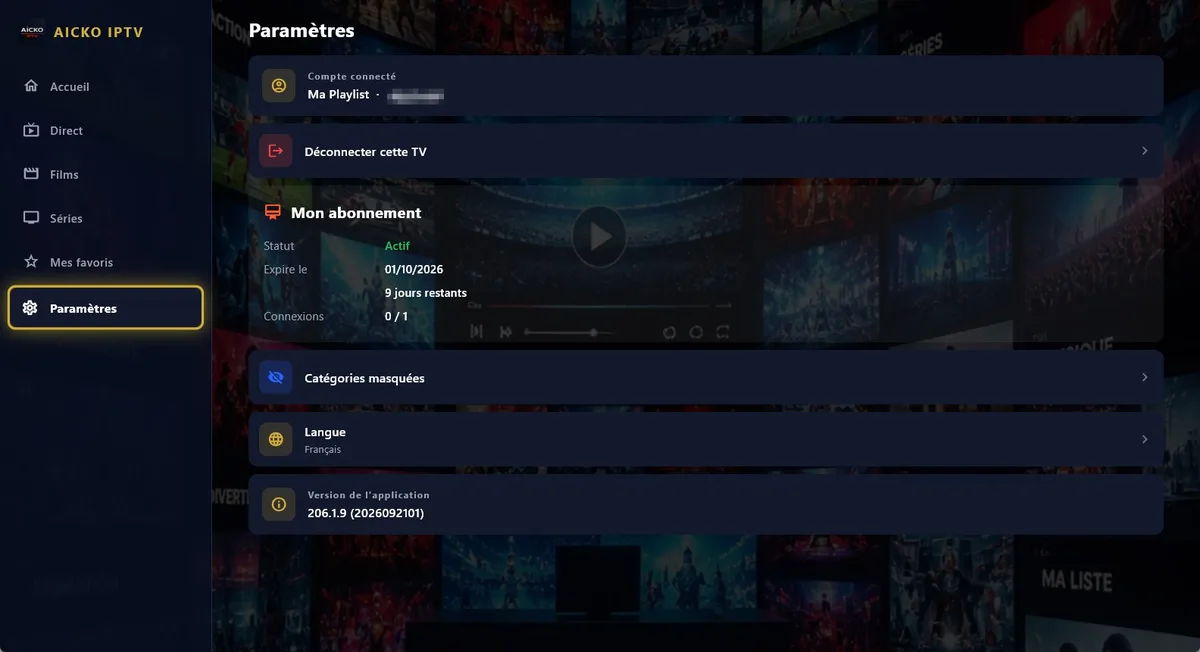
- Favorites and progress that follow you between devices, as long as you use an account.
- Categories that you can hide, and a search in each section if you want a title fast.
- Six interface languages: French, English, Arabic (right to left), German, Spanish and Italian.
The player relies on libmpv, the engine of mpv, which is known for reading a very large variety of formats and streams. Moreover, the same app exists on Android, Android TV and Fire TV, so your favorites follow you.
Who it is for
The program is for adults who already have a legal playlist. It does not replace a provider, and it supplies no channels.
- Households that want to watch their playlist on a Windows PC.
- Viewers who follow series and want an easy way to continue an episode.
- Radio listeners who want streams and MP3 files in one program.
Because the program saves progress, a long series is easy to follow over several evenings. The search box in each section helps you find a title quickly, and hiding categories keeps long lists short. The designers arranged everything on screen for a computer, with a large picture and clear lists, so the program works well on a laptop or on a desktop connected to a television.
Getting started
- Download AICKO IPTV for Windows 10 or 11 using the button on this page.
- Open the program and choose your interface language.
- Enter the Xtream Codes or paste the M3U address from your provider.
- Wait while the categories load, then pick a channel, film or series.
- Add favorites and hide the categories you do not use.
Why it is listed on a math site
Mathovore serves students in Grade 6 to Grade 12 and their parents, and many families share one home computer. Therefore a parent can use a separate player for entertainment while the student works on the math lessons or the Grade 6 math pages. Keeping study tools and leisure tools apart helps the household stay organized, and so the math glossary stays one click away during homework.
Frequently asked questions
What is a good IPTV player for Windows?
AICKO IPTV is a free IPTV player for Windows 10 and 11. It reads the Xtream Codes or M3U playlist you supply, and it offers live TV with a guide, films and series with resume, and online radio.
Does AICKO IPTV include channels?
No. AICKO IPTV is only a player. It does not host, provide or sell any content. You enter the address or codes of the playlist that you got from your own provider.
Can I continue a film where I stopped?
Yes. Films and series resume exactly where you left them. Besides, an account synchronizes favorites and progress between your devices, so you can switch from the PC to another device.
Which languages does the program support?
The interface is available in six languages: French, English, Arabic (displayed right to left), German, Spanish and Italian. You can switch the language when you first open the program.
