


AICKO IPTV is an IPTV player app for Android, Android TV and Fire TV. You add your own M3U playlist or Xtream codes, and the app plays your channels on a phone, a tablet or a television.
It is only a player: it does not provide, host or sell any channels or videos. The playlist always comes from your own provider.

Get AICKO IPTV
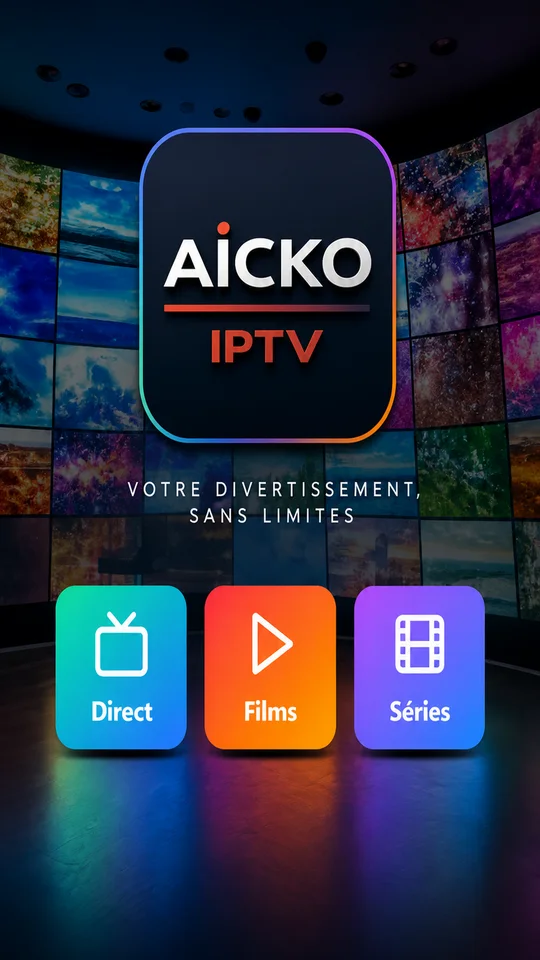
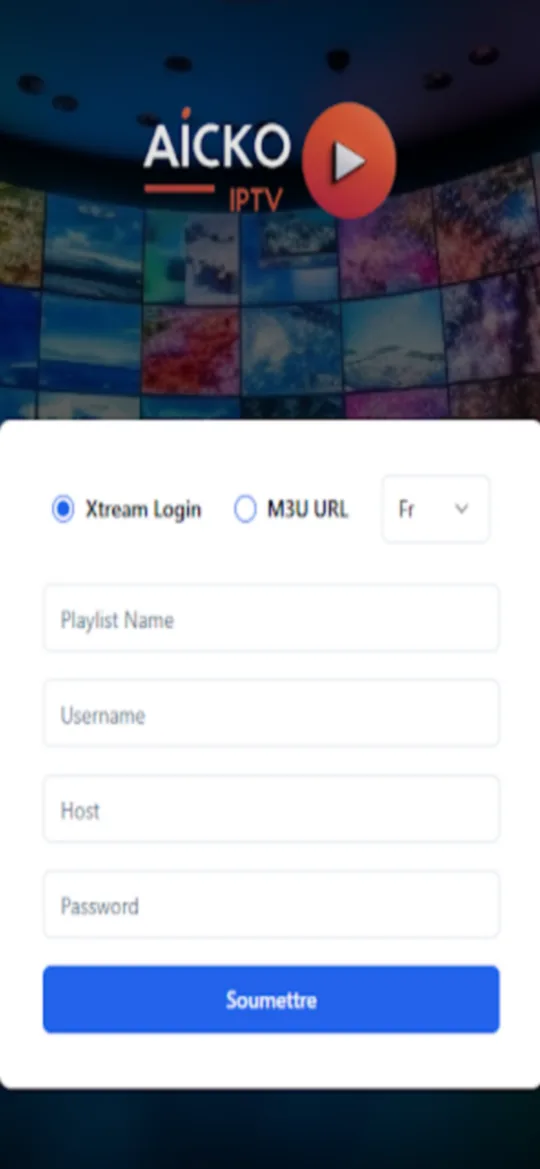
At a glance
- Platform: Android, Android TV and Fire TV
- Playlist formats: M3U and Xtream codes
- TV setup: pairing by QR code
- Synchronized: favorites, hidden categories, playback position
- Content provided: none, you bring your own playlist
The problem this IPTV player app solves
A family that uses IPTV often ends up with a different player on every screen, each with its own list, its own favorites and its own settings. Typing a long playlist address with a TV remote is slow and full of mistakes.
AICKO IPTV handles the typing on the phone and lets the television follow, so the household uses one setup everywhere.
What AICKO IPTV does
- Reads M3U playlists and Xtream codes that you provide.
- Works on Android phones and tablets, on Android TV and on Fire TV.
- Pairs a television with your phone by scanning a QR code, so nothing is typed on the TV.
- Keeps several playlists and lets you choose the active one from the phone.
- Saves your favorites, hidden categories and playback position for each playlist.
- Synchronizes those favorites and positions between your devices through an account.
- Lets you hide categories you never watch to keep the lists short.
On a TV, the app ignores notifications, so nothing pops up in the middle of a program. Notifications exist only on the phone.
Who it is for
This app is for adults who already have a legal IPTV playlist and want a clean player. It is not a content service, and it does not replace a provider.
- Parents who manage the living-room TV and want to control it from a phone.
- Households with several screens who want the same favorites everywhere.
- Anyone who prefers a simple player to a crowded one.
Getting started
- Install the app on your Android phone or tablet.
- Add your playlist: paste the M3U address or enter the Xtream codes from your provider.
- Open the app on your Android TV or Fire TV box and choose to pair it.
- Scan the QR code shown on the TV with your phone.
- Pick channels or videos, add favorites and hide the categories you do not need.
If the network drops for a moment, the app does not log the TV out. The only way to disconnect a TV is to do it yourself in the app.
Why this is on a math site
Mathovore is a math site for students in Grade 6 to Grade 12 and their parents. We list this player because many families share a single home setup, and a calm screen helps homework time. Parents can keep homework apps and study pages in the same routine, for example our math lessons on a tablet and the TV off until the work is done. Our math glossary is a good second tab for any word a child does not know.
Frequently asked questions
What is the best IPTV player app for Android TV and Fire TV?
AICKO IPTV is an IPTV player app that runs on Android phones and tablets, Android TV and Fire TV. You add your own M3U playlist or Xtream codes, and a QR code pairs the television with your phone.
Does AICKO IPTV provide channels?
No. AICKO IPTV is only a player. It does not provide, host or sell any channels, films or series. You enter the playlist address or Xtream codes that you get from your own provider.
How do I add a playlist on a TV without typing?
Open the app on the TV, choose to pair, and scan the QR code with your phone. The phone controls the active playlist, so you never type an address with the remote.
Are my favorites saved between devices?
Yes. Favorites, hidden categories and playback position are saved for each playlist and synchronized between your devices through an account, so a favorite added on the phone also appears on the TV.
