


AICKO TABLEUR is a spreadsheet app for Android that handles tables, calculations and charts on a phone or tablet. It opens and saves .xlsx and .csv files and offers more than 140 functions.
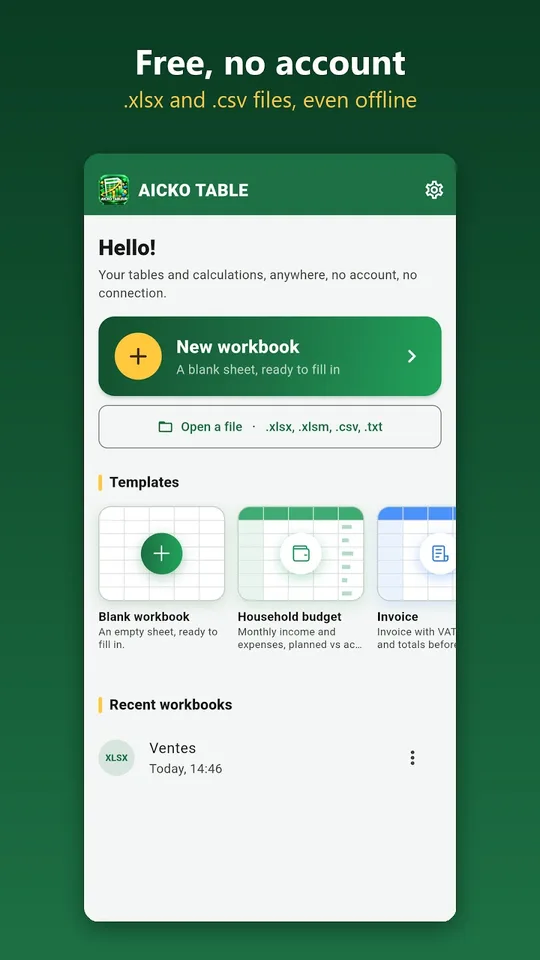
The app needs no account, shows no ads and works without a connection. Your workbooks stay on your device, so it is an easy way for a student to organize lab data, grades or a small budget wherever they are.

Get AICKO TABLEUR

At a glance
- Platform: Android
- Files: .xlsx and .csv, export to PDF
- Functions: more than 140
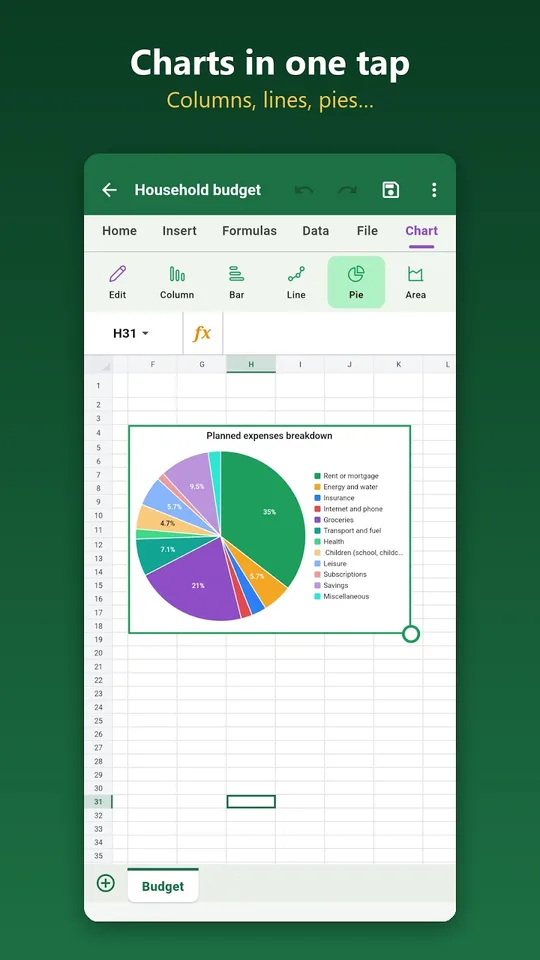
- Charts: column, bar, line, pie, area, scatter
- Offline use: yes
- Account and ads: none
The problem this spreadsheet app solves
Spreadsheets are a daily tool for budgets, grades and science data, yet they are painful on a phone. Cell references are hard to tap, and forgotten parentheses ruin a formula. AICKO TABLEUR is designed to make formulas easy to build with a finger.
What AICKO TABLEUR offers
- More than 140 functions, for sums, averages, conditions, lookups and rounding. The function names are in French, which is worth knowing before you start.
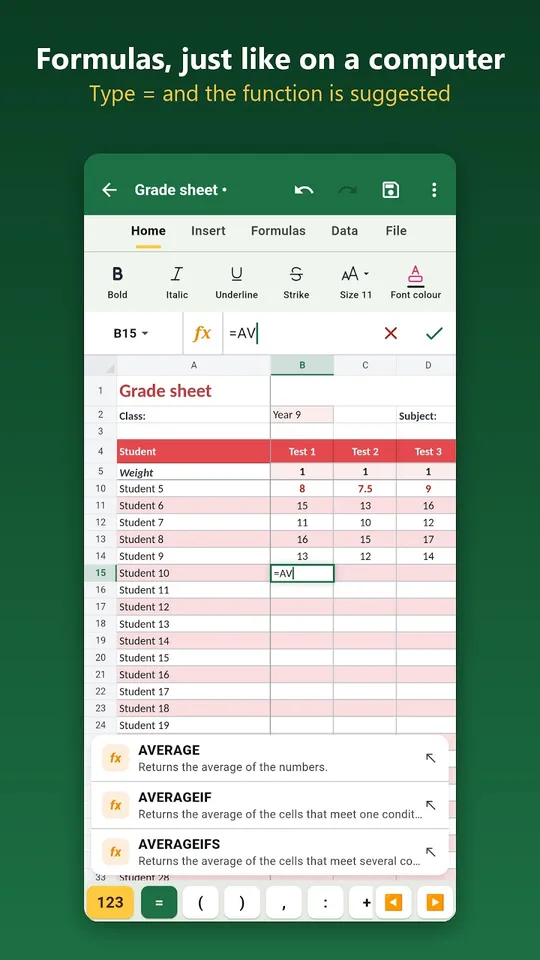
- Type an equals sign and the first letters, and the app suggests the function.
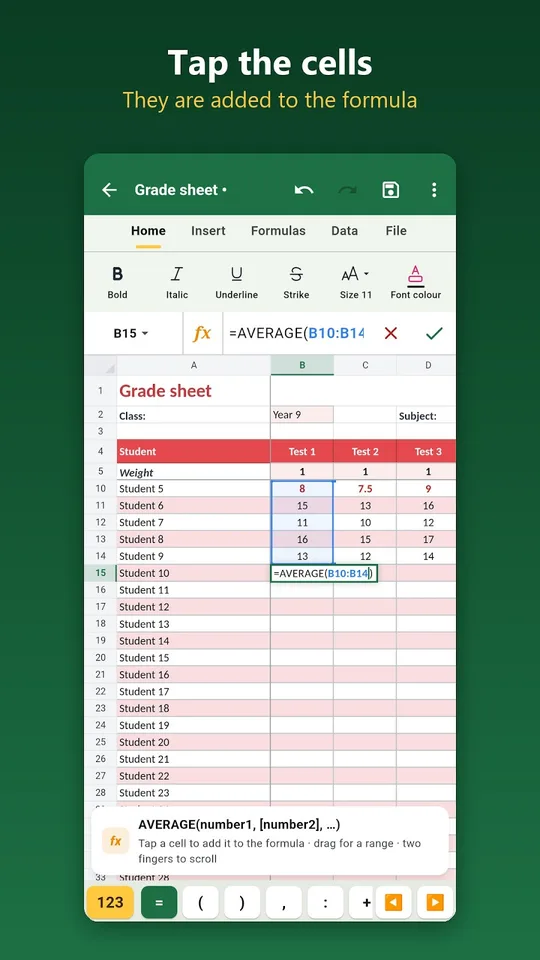
- Tap a cell or drag across a range to add it to the formula.
- A missing closing parenthesis is added for you, and AutoSum works in one gesture.
- Number, currency, percentage, date and time formats, borders, colors and merged cells.
- Conditional formatting, for example marks below 10 shown in red.
- Column, bar, line, pie, area and scatter charts.
- Sorting, filters, duplicate removal, frozen panes and several sheets.
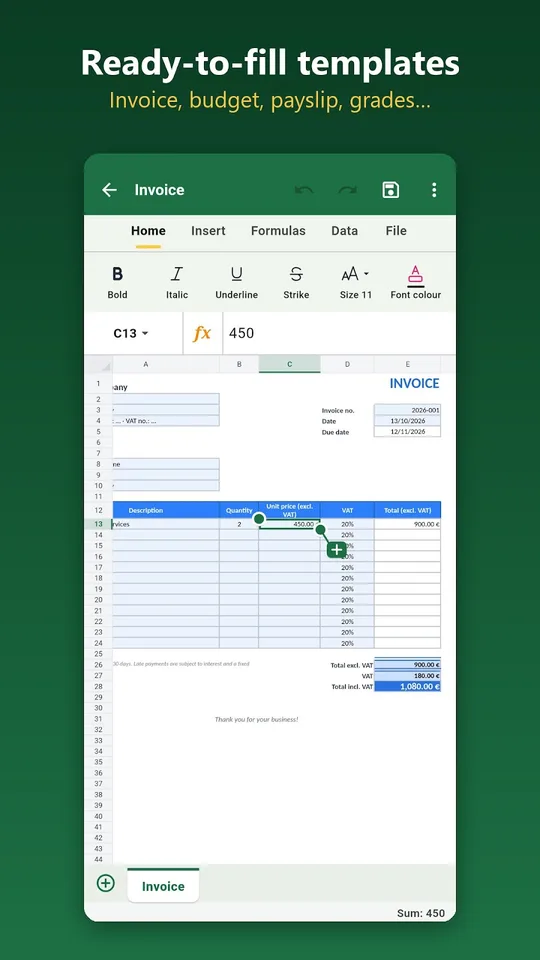
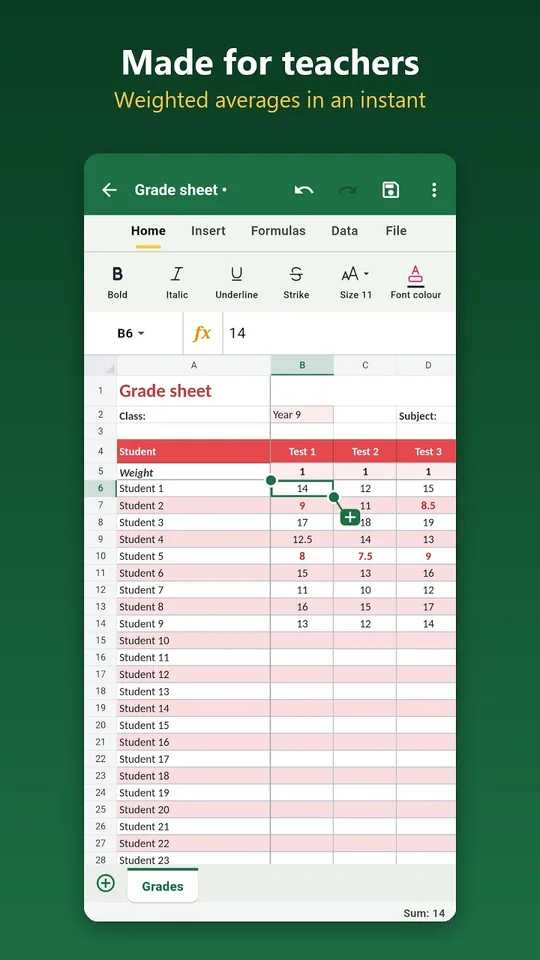
Templates are ready to fill: an invoice, a family budget, a grade sheet with weights, an income and expense log, a times heet, a loan table and an attendance list.
Who it is for
The app was built for people who need to count accurately without learning a complex program.
- Students who collect measurements in a science lab and need a chart.
- Math students who want to test a formula on real numbers.
- Teachers who compute averages with the grade-sheet template.
- Families who track a budget.
A typical use: a student measures the temperature of cooling water every minute, types the values in a column, and draws a line chart in two taps. A teacher fills the grade sheet with coefficients and reads the averages at once. The conditional formatting makes weak marks stand out in red, which saves a lot of scanning down a list.
Getting started
- Install the app on an Android phone or tablet.
- Open a template or a .xlsx file, or start a blank workbook.
- Type your data, then type an equals sign to build a formula.
- Select the data and add a chart.
- Save as .xlsx, export to PDF, or share by email, messaging or cloud.
The interface comes in French and English, with a dark mode and seven colors. A Windows version works the same way.
Why it helps with math
A spreadsheet is a good way to see what a formula does. Build a table of values for a linear function from our Algebra 1 math pages, plot it, and watch the line appear. For statistics, compute a mean and a median from real data. Our math lessons explain the ideas, and the math glossary defines the vocabulary.
Frequently asked questions
Is there a spreadsheet app for Android that opens .xlsx files?
Yes. AICKO TABLEUR opens and saves .xlsx and .csv workbooks on Android, exports to PDF, and offers more than 140 functions, charts, sorting and filters. It works offline, with no account and no ads.
How does AICKO TABLEUR make formulas easier on a phone?
Type an equals sign and the first letters, and the function is suggested. Tap a cell or drag over a range to add it. A forgotten closing parenthesis is added automatically, and AutoSum works in one gesture.
Can I make charts in AICKO TABLEUR?
Yes. The app supports column, bar, line, pie, area and scatter charts. Select your data, add the chart, and share the result as a PDF or send the workbook to someone else.
Are there ready-made templates?
Yes. Templates include an invoice with tax, a family budget, a simplified pay slip, a grade sheet with weights, an income and expense log, a times heet, a loan table and an attendance list.
