


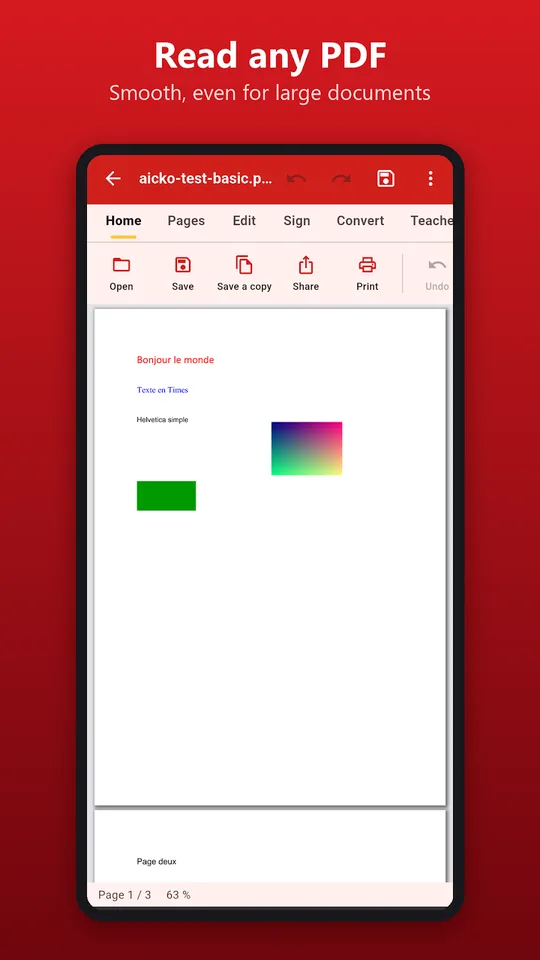
AICKO PDF is a PDF editor app for Android that lets you read, edit, sign and organize PDF files on a phone or tablet. It also converts, compresses and reads scanned pages with text recognition.
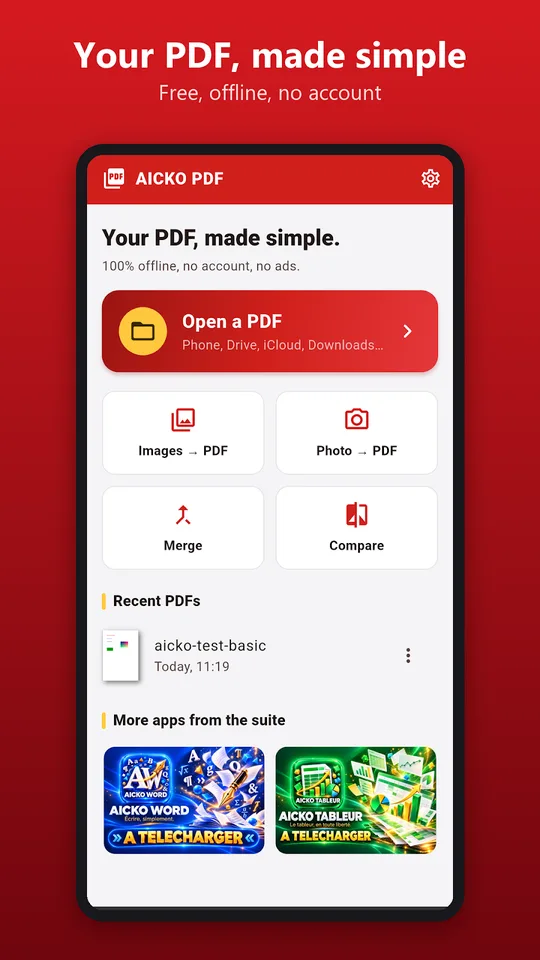
It needs no account and shows no ads. Processing happens on the device, so your documents stay with you. It is a handy tool for parents, students and teachers who deal with school paperwork every week.
Get AICKO PDF
At a glance
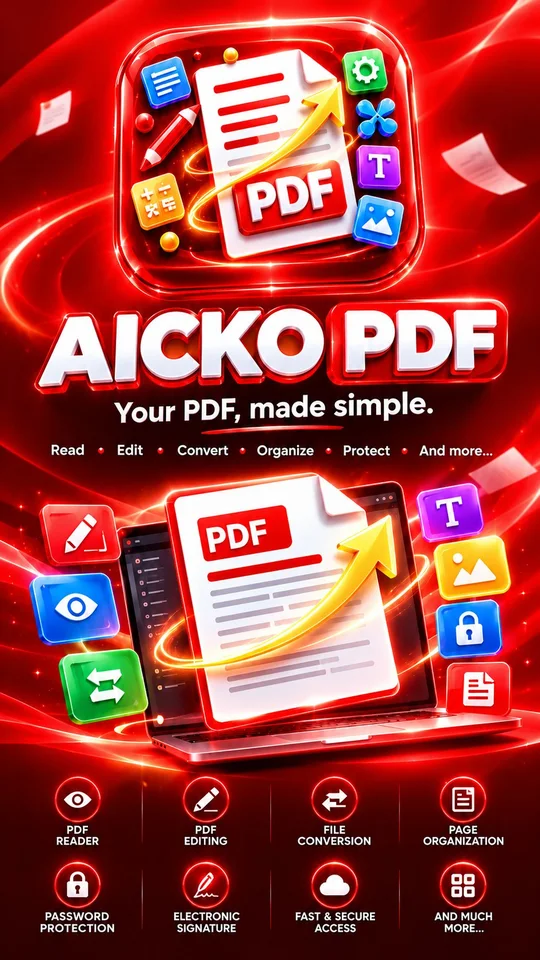
- Platform: Android
- Offline use: yes, processing on the device
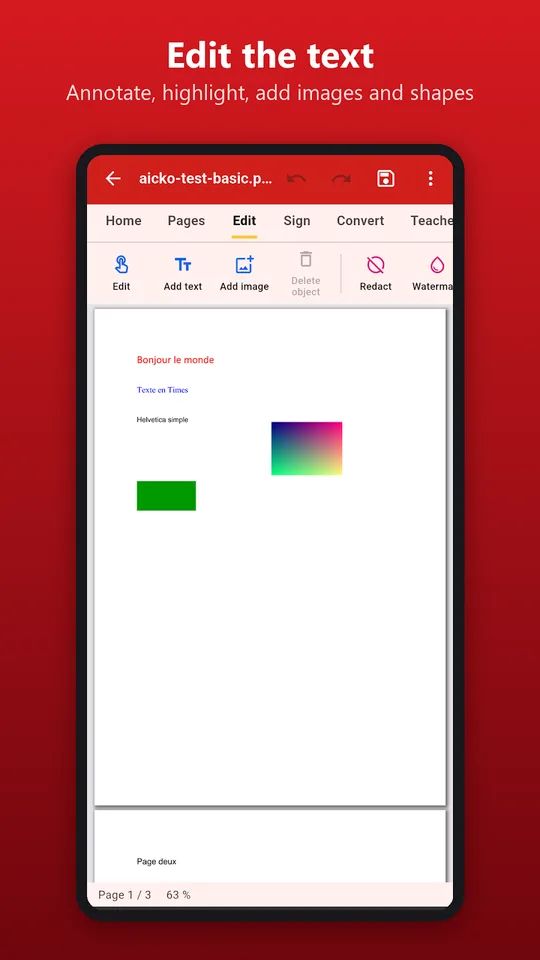
- Edit: text, annotations, drawing, images, shapes
- Organize: reorder, rotate, merge, split
- Convert: PDF to Word, images to PDF
- Account and ads: none
The problem this PDF editor app solves
School life runs on PDFs: permission slips, syllabi, worksheets, scanned homework, forms to sign. Most of them arrive by email or in a messaging app, and fixing a single typo or adding a signature can mean finding a computer. AICKO PDF does these jobs on the phone you already have.
What AICKO PDF can do
- Open files from the phone, Drive, iCloud, email or WhatsApp, with search, bookmarks, zoom and night mode.
- Open password-protected PDFs.
- Correct a sentence, add text, highlight, annotate, draw, and insert images and shapes.
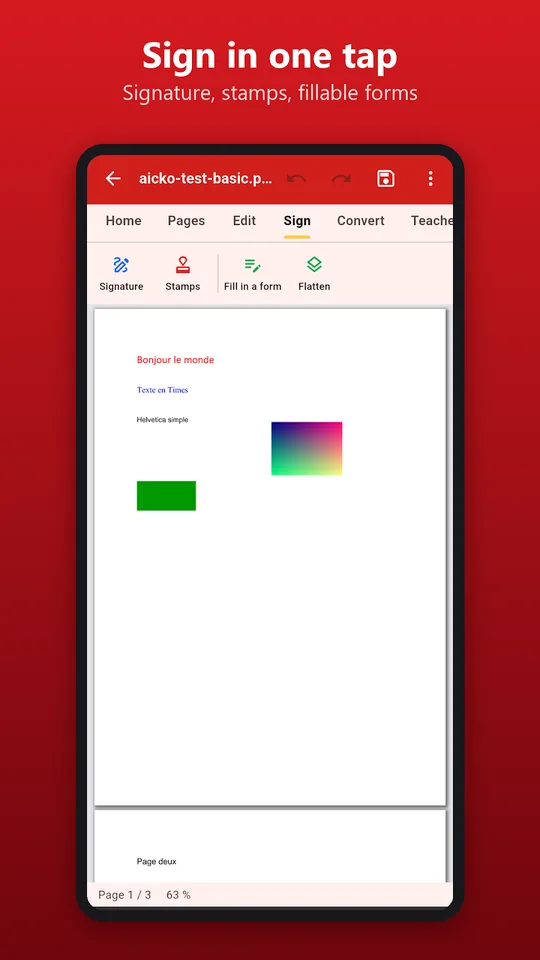
- Create a signature with a finger or an image and place it anywhere.
- Fill in PDF forms in a few taps.
- Reorder, rotate, delete, extract or add pages, merge several PDFs, or split one.
- Convert PDF to Word, images to PDF and pages to images.
- Make a scanned PDF searchable with text recognition, then compress the file so that it fits in an email.
Teachers get extra tools: a fill-in-the-blank sheet, a booklet layout, and a version adapted for students with dyslexia, all made from your own PDFs.
Who it is for
The app suits anyone who handles paperwork on a phone, and school families in particular.
- Parents who must sign and return a form tonight.
- Students who scan a worksheet and want to write answers on it.
- Teachers who prepare gap-fill sheets and booklets from an existing document.
A typical case: a teacher emails a worksheet as a PDF. The student opens it, writes the answers with the drawing tool, adds a short typed note, and sends it back, all in a few minutes and without a printer. A parent can do the same with a form that needs a signature. Because large documents open smoothly and the work stays on the device, there is nothing to upload and nothing to wait for.
Getting started
- Install the app on an Android phone or tablet.
- Open a PDF from your files, Drive, email or a messaging app.
- Choose the tool you need: edit text, sign, organize pages or convert.
- Make your change and review the page.
- Save or share the file in one tap.
The app works completely offline. A full version for Windows computers also exists.
How it supports math study
Math homework is often a PDF worksheet. With AICKO PDF a student can open a worksheet, write on it with the drawing tool, and send it back without printing. Pair it with our math lessons for explanations, and keep a printed or digital copy from the math books section for longer practice. When a term is unclear, the math glossary gives a short definition.
Frequently asked questions
Can I edit a PDF on an Android phone?
Yes. AICKO PDF lets you correct a sentence, add text, highlight, annotate, draw and insert images or shapes. You can also sign, fill in forms, reorder pages, merge files and convert a PDF to Word.
Does AICKO PDF work without internet?
Yes. The app is fully offline, and the processing is done on your device. You do not create an account, and your documents stay on your phone or tablet. The app also shows no advertising.
Can it read scanned PDFs?
Yes. The text recognition feature makes the text of a scanned PDF selectable and searchable. You can then compress the file to reduce its size before sending it by email.
Does AICKO PDF have tools for teachers?
Yes. Teachers can create a fill-in-the-blank sheet, a booklet, and a version adapted for students with dyslexia, all prepared from their own PDF files on the phone or tablet.
