

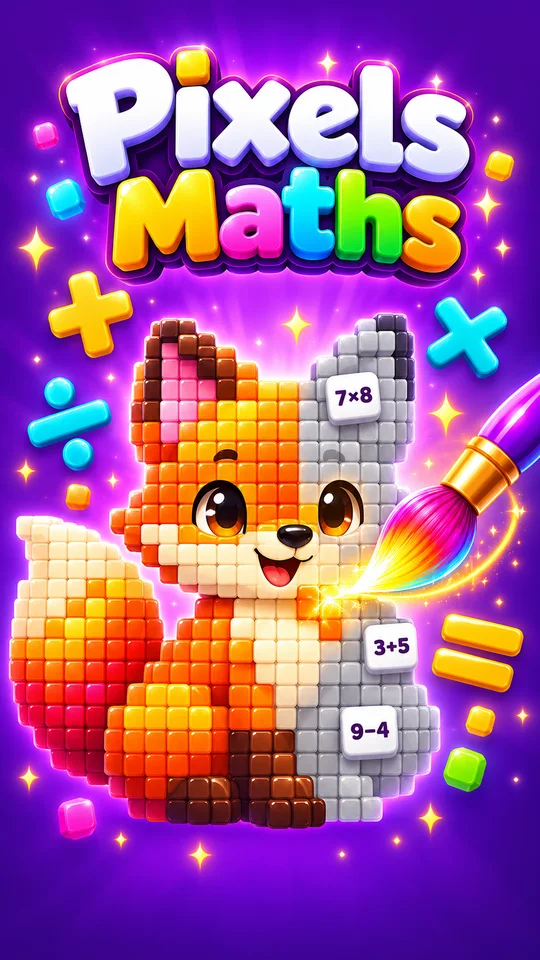
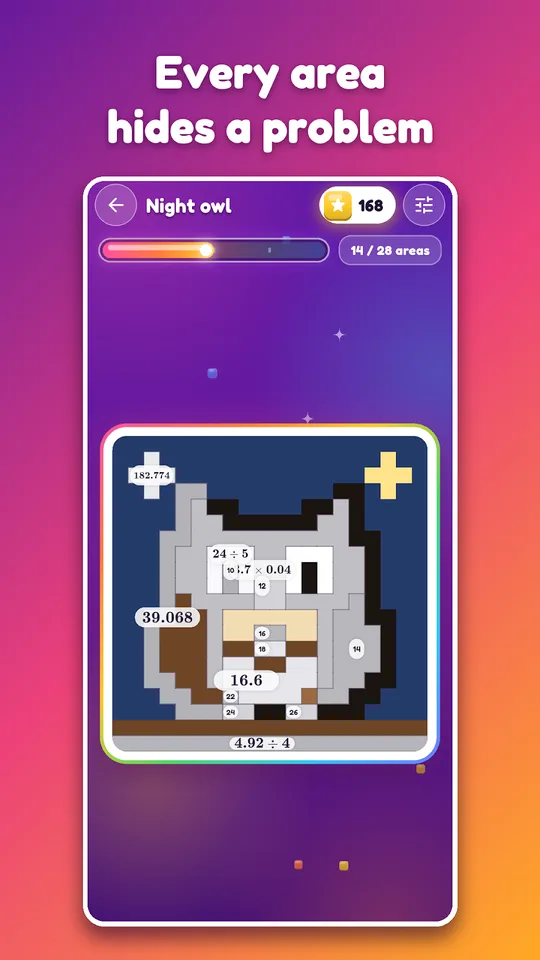
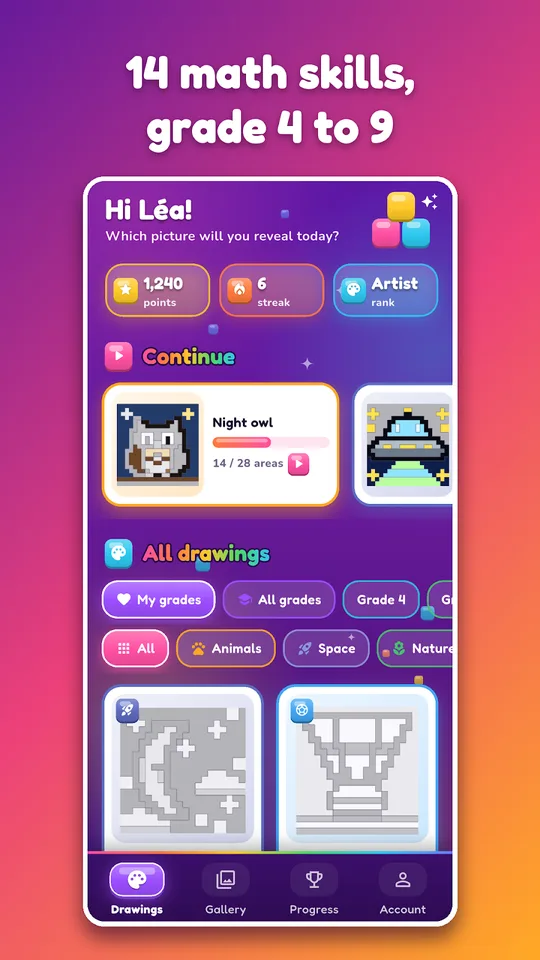
Pixels Maths is a math coloring game for Android in which every zone of a pixel art drawing hides a calculation. A right answer colors the zone, and square after square a picture appears. It covers Grade 4 (CM1) up to Algebra 1 (3ème).
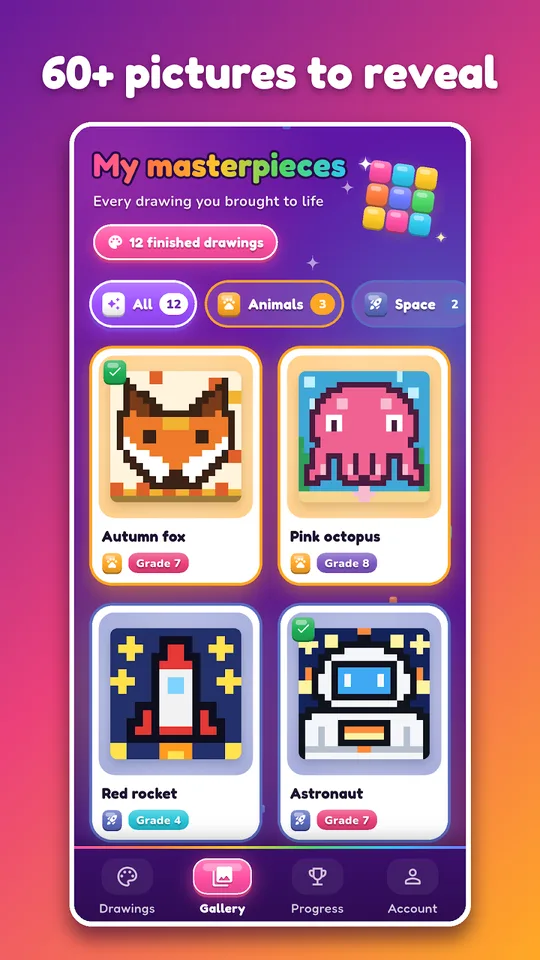
There are more than 60 drawings, from animals and space to sports and sweets, and the game creates new calculations every time, so a child can color a drawing over and over.

Get Pixels Maths
At a glance
- Platform: Android
- Levels: Grade 4 (CM1) to Algebra 1 (3ème)
- Content: 60 pixel art drawings, 14 calculation types
- Works offline: yes
- Languages: English and French
- Advertising: none
The problem: practice without a picture to look forward to
A page of twenty calculations has no ending that a child cares about. A coloring page does: the child wants to see the finished animal, so the calculations become the price of each new color. That small change in purpose often turns reluctant practice into a game a child asks to play.
The app builds on that idea, which is familiar to many parents from paper coloring-by-number sheets, now with math that matches the school year.
What this math coloring game offers
- More than 60 pixel art drawings, with new ones added regularly
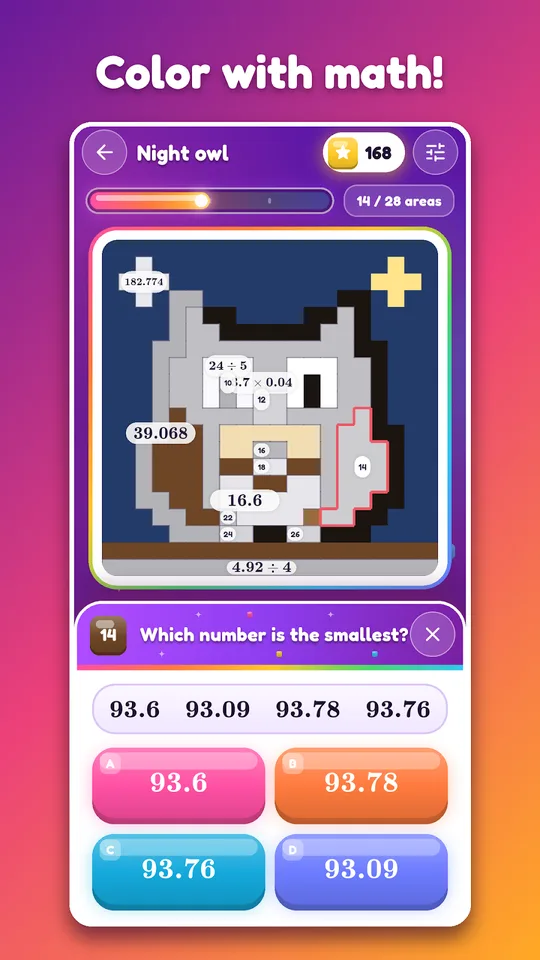
- 14 types of calculation: times tables, addition and subtraction, mental math, decimals, fractions, order of operations, percentages, unit conversions, relative numbers, powers, algebraic expressions, equations, the Pythagorean theorem and proportionality
- Multiple-choice answers, or typed answers if the child prefers
- A short correction after an error, then a new calculation
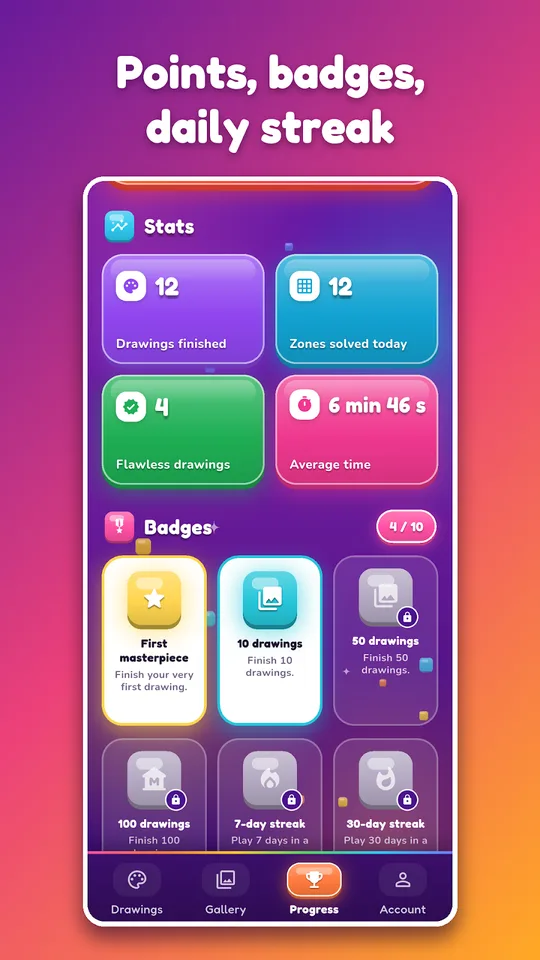
- Points, a speed bonus, a daily streak, badges and four ranks: Apprenti, Artiste, Virtuose and Maître
- A gallery of finished drawings that can be shared as an image or an animated GIF
- A daily reminder at the time you choose
The app works offline, carries no advertising and is available in English and French. Besides, the app saves progress across devices.
Which grades are covered
In Grade 4 (CM1) and Grade 5 (CM2), the topics are times tables, addition, subtraction, mental math, decimals and conversions. Next, Grade 6 (6ème) adds order of operations, fractions and percentages. Then Grade 7 (5ème) brings relative numbers, algebraic expressions and proportionality. Grade 8 (4ème) has powers, equations and the Pythagorean theorem.
Students in Algebra 1 (3ème) practice equations, algebraic expressions, scientific notation and percentages, which is useful for revision before a high school placement or the French brevet exam.
How to play your first drawing
- Install Pixels Maths on your Android phone or tablet.
- Choose a pixel art drawing and your grade.
- Tap a gray zone, and a calculation appears in large type.
- Answer by choosing an option or typing it. A right answer colors the zone.
- Finish the picture and find it later in your gallery.
Parents sometimes worry that a game will replace real work. Here the work is the game, because nothing gains color until the child solves a calculation, and an error brings a short correction before a new calculation appears. A session can last five minutes or an hour, depending on how many zones the child wants to fill. Moreover, the daily streak encourages a little practice every day instead of one long burst. The ranks, from Apprenti to Maître, give a sense of moving forward.
Connecting to Mathovore lessons
If a type of calculation keeps blocking the coloring, spend a few minutes on the matching topic on the Mathovore site: Grade 6 math, Grade 7 math or Grade 8 math. Then return to the drawing. Parents can also use the game as a quiet weekend activity that is clearly educational.
Frequently asked questions
What is Pixels Maths?
Pixels Maths is an Android math coloring game. Each zone of a pixel art drawing hides a calculation, and a correct answer colors it. It covers Grade 4 (CM1) to Algebra 1 (3ème) and has more than 60 drawings.
Does Pixels Maths work offline?
Yes. The store listing says the game works offline, so a child can play on a trip or in a place without a connection. The app saves progress across devices when the player is connected.
Which calculations are included?
There are 14 types, including times tables, decimals, fractions, percentages, relative numbers, powers, equations and the Pythagorean theorem. The game creates new calculations each time, so a drawing can be replayed.
Can finished drawings be shared?
Yes. The gallery keeps completed drawings, and a player can share them as an image or as an animated GIF that replays the coloring. Consequently this gives children something to show family and friends.
